






Take control of your email notifications
To reduce email overload and ensure stakeholders only receive relevant notifications, UAB introduces a new Email Preferences feature for terminals.
This functionality gives terminal administrators full control over which emails are sent, to whom, and for which operational scope.
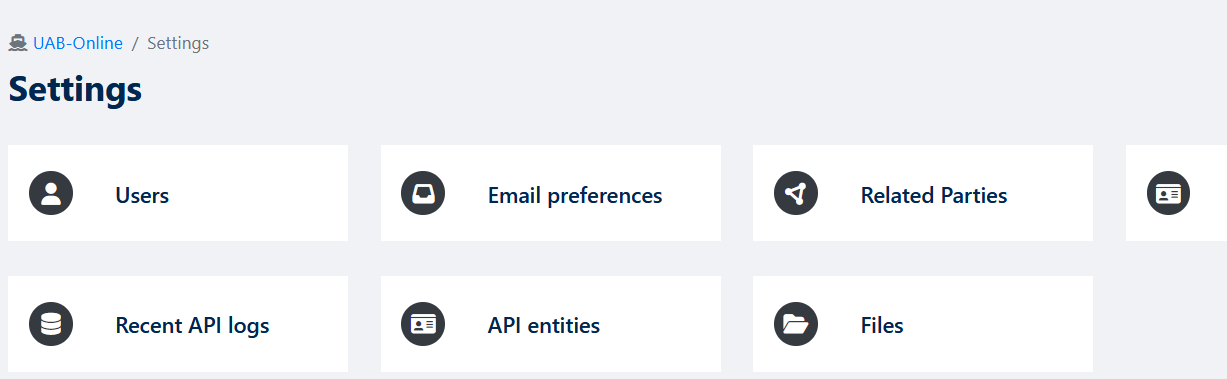
Manage multiple email addresses
Terminal administrators can now add, edit, and remove multiple email addresses directly within UAB. Each email address can be managed independently and may serve different purposes, such as operational communication or document signing.
At least one email address must always remain active to ensure essential communication is not interrupted.
See below example:
Configure preferences per email and per category
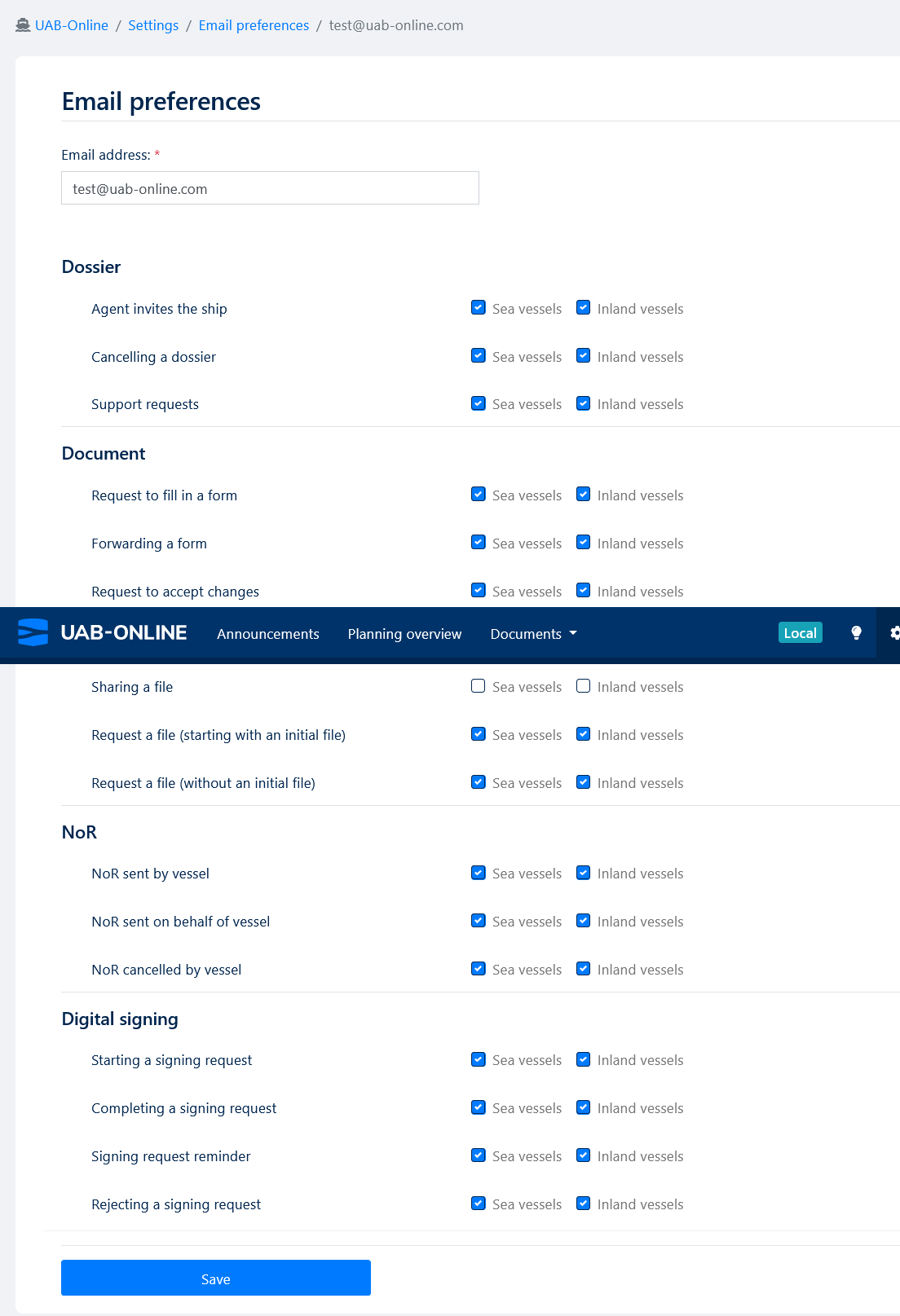
For every registered email address, terminal admins can decide exactly which notifications should be received.
Emails are grouped into clear categories, including:
-
Dossier updates
-
Document updates
-
Planning information
-
Notice of Readiness (NoR) updates
-
Digital signing updates
Preferences can be set per category and per modality:
-
Sea
-
Inland
-
or both, depending on the terminal’s activities.
If a terminal operates exclusively in Sea or Inland, only the relevant options are shown to keep the interface clean and focused.
See below example:
Easy access via email unsubscribe links
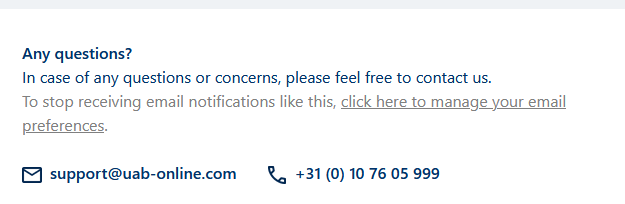
All outgoing emails now include a link to manage email preferences:
-
Terminal admins are redirected directly to the Email Preferences settings page, where they can immediately adjust configurations.
-
Terminal users see a clear message explaining that email preferences are managed by their terminal admin and are advised to contact them.
See below example:
Frequently Asked Questions (FAQ)
Who can manage email preferences?
Only terminal administrators can add email addresses and configure email preferences.
Terminal users cannot change these settings themselves.
Why can’t I change my own email preferences?
Email preferences are managed at terminal level to ensure consistency and control.
If you are a terminal user, please contact your terminal administrator to adjust which emails you receive.
Can I use different email addresses for different notifications?
Yes.
Each email address can have its own set of preferences, allowing you to receive specific types of notifications on different email addresses.
What happens if I delete an email address?
An email address can be deleted as long as at least one email address remains active.
This ensures that important notifications are always delivered.
How does the unsubscribe link work?
The unsubscribe link in emails directs:
-
Terminal admins to the Email Preferences settings page.
-
Terminal users to an information page explaining that settings are managed by their admin.
Will existing email addresses and settings be preserved?
Yes.
Existing email addresses are automatically migrated into the new Email Preferences system, with all relevant notifications enabled by default based on Sea and/or Inland usage.
In which languages is this feature available?
The Email Preferences feature is available in English, Dutch, French, German, and Spanish, matching the language settings of the user.
From which date is this feature available?
As from February 3 this will be visible for terminal admins to use.
This feature helps terminals reduce unnecessary emails, improve operational focus, and minimize confusion and support requests—while ensuring that critical updates always reach the right people. Do you have any more questions or remarks? Our team is happy to assist!
Contact us at support@uab-online.com to learn more.
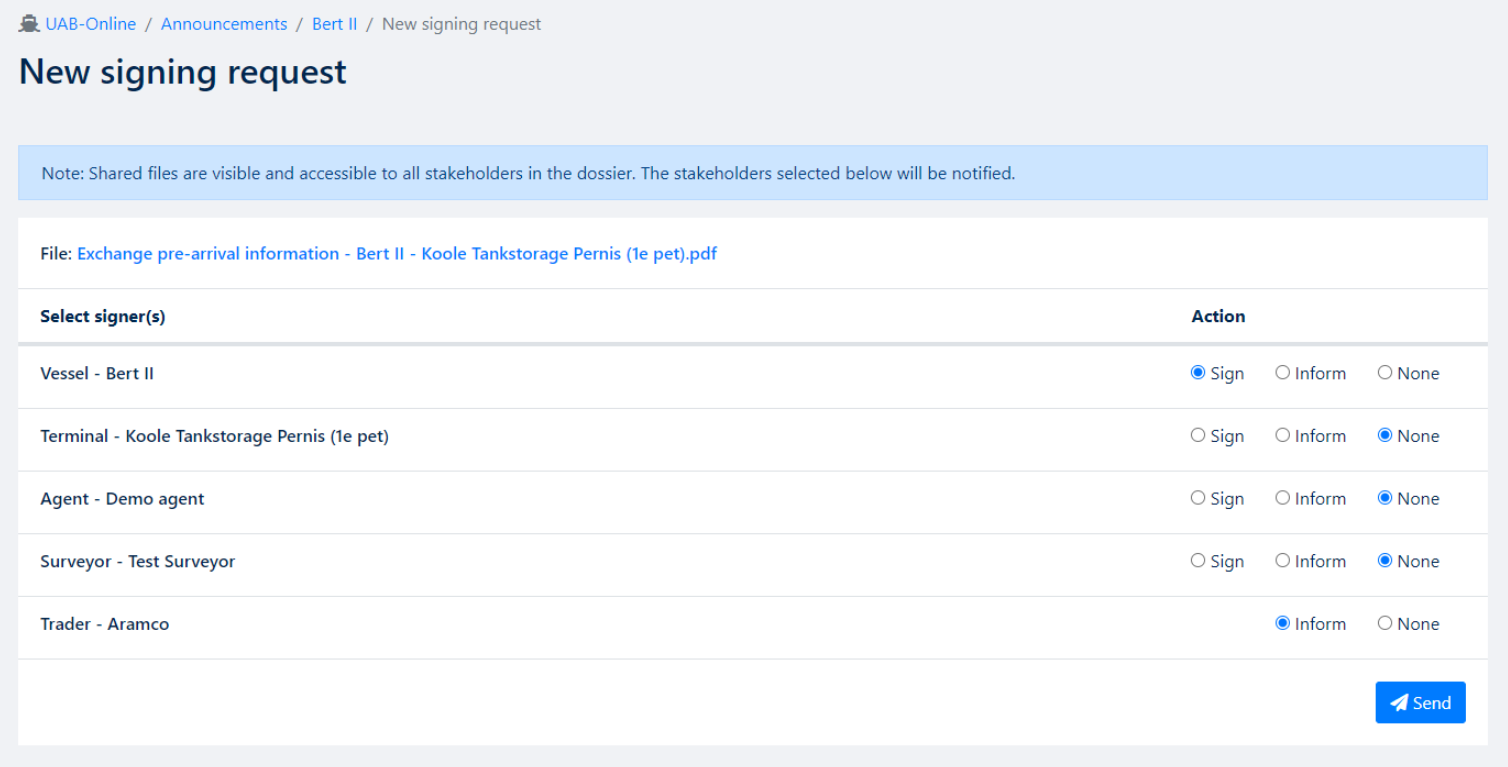
Do you have any questions about these developments?
Please contact the team at support@uab-online.com